
Apple’s macOS 27 Golden Gate arrives today, September 14. It brings a rebuilt Siri AI, a redesigned Safari, and smarter Photos editing to every Mac running Apple silicon. It’s also the update that finally cuts every Intel Mac off the upgrade path. And it’s the last version to fully support Rosetta, the layer that keeps old Intel-only apps running on Apple silicon.
What’s new in macOS 27 Golden Gate
The headline feature is Siri AI, Apple’s rebuilt assistant. It’s woven into Spotlight and system-wide context menus, so you can ask a question without opening a separate app. Siri AI can pull in personal context from your messages, mail, and photos to answer questions. It can also complete multi-step actions across apps instead of triggering just one command at a time.
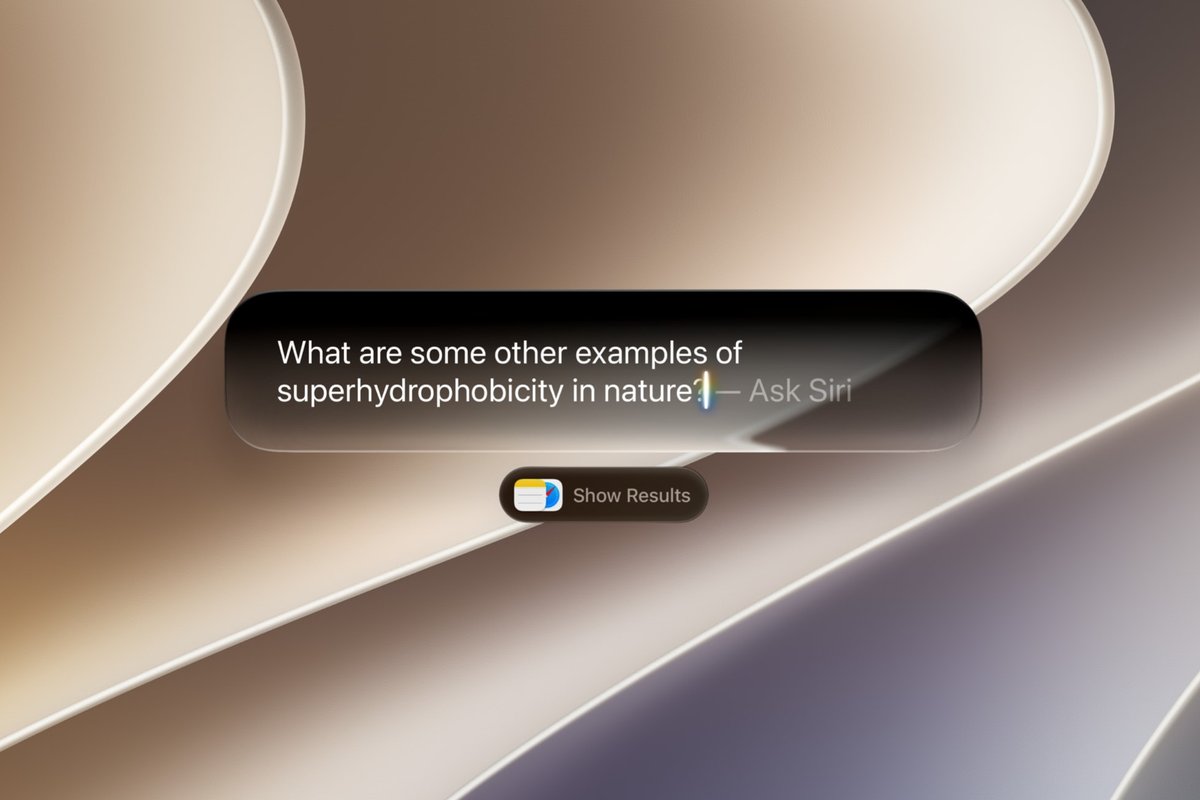
A new Visual Intelligence shortcut lets you ask about whatever is on screen without switching apps first. Point it at a photo, a document, or a webpage, and Siri AI answers in place. Apple Intelligence features go deeper into everyday apps this year too. Shortcuts can now build an automation from a plain-language description instead of manually dragging blocks together. Photos adds Spatial Reframing, an Extend tool for filling in cropped or expanded frames, and a stronger Clean Up for removing unwanted objects. Safari picks up pull-to-refresh, smarter automatic tab grouping, and a “Notify Me” option that watches a page for changes.
The rest of it, in brief:
- An AI-powered extension builder for developers and power users
- Improved iPhone mirroring on the Mac
- Video support inside Apple Podcasts
- Expanded parental controls, including an “Ask to Browse” mode and stronger Communication Safety
- Fixed-radius window corners, replacing last year’s dynamically-scaling Liquid Glass corners
- Redesigned traffic-light window buttons with an Aqua-style glass look
- New Golden Gate-themed wallpapers and screensavers, plus general performance work on app launches, Spotlight, and AirDrop
Which Macs get it, and which don’t
macOS 27 Golden Gate runs only on Apple silicon. Per Apple’s own compatibility page, the supported list is:
- MacBook Neo (2026)
- MacBook Air with Apple silicon (2020 and later)
- MacBook Pro with Apple silicon (2020 and later)
- iMac with Apple silicon (2021 and later)
- Mac mini with Apple silicon (2020 and later)
- Mac Studio (2022 and later)
- Mac Pro with Apple silicon (2023)
Every Intel-based Mac is excluded. That includes the handful of 2019-2020 models that could still run last year’s macOS Tahoe. Those are the 16-inch MacBook Pro, the four-Thunderbolt 13-inch MacBook Pro, the 27-inch iMac, and the Mac Pro. That cutoff isn’t new; it was set with Tahoe. But Golden Gate is the release that makes it final, since there’s no newer free upgrade left to hold out for on Intel hardware.
Even among supported Macs, the experience isn’t identical. The most advanced Siri AI features need an M3 chip or later with at least 12GB of unified memory. An M1 or M2 Mac will run macOS 27 normally but won’t get the deepest Siri AI capabilities. The same applies to an M3 Mac with only 8GB of memory. That’s worth checking before assuming “supported” means “identical” across every Mac on the list.
The last full release of Rosetta
macOS 27 is also the end of the road for Rosetta as a general-purpose tool. Apple’s own developer notes are direct about it:
“macOS 27: Final release to support Rosetta — Intel-only apps will no longer run on Mac computers with Apple silicon after this update.”
Apple says it will keep a narrow exception alive for older, unmaintained gaming titles that rely on Intel-based frameworks. Everything else needs a native Apple silicon build going forward.
If you’re still running an old Intel-only app on an Apple silicon Mac, this is the version to check it on. Once macOS 28 arrives next year, Rosetta support for regular apps goes away entirely. An app that limps along today under Golden Gate may simply refuse to open at that point.
When will it reach your Mac?
Apple’s own product page lists macOS 27 as “available starting 9.14.” Apple’s past major releases have gone live around 10am Pacific time. That lands late at night in India. Once it’s live, go to System Settings > General > Software Update on an eligible Mac to download it. As with any major macOS release, it’s worth waiting a day or two and backing up with Time Machine first. First-week updates occasionally carry rough edges that Apple irons out in a quick follow-up patch.
For the full list of what changed in the version before this one, see our earlier coverage of the macOS 27 Golden Gate public beta.
Source: Apple, Apple Developer
